Source & context
Who posted it first, and could they have been there? Many viral "AI images" turn out to be real photos with false captions — and many AI images are openly published first by their creators on art or generator communities.
AI-generated image detection
Image generators now produce photorealistic portraits, landscapes and "news" scenes in seconds. No single detector can reliably tell you what is real. This page shows how investigators combine source tracing, provenance records, metadata, visual inspection and detector scores — and how each one can mislead.
Six lines of evidence
Strong conclusions come from several independent signals pointing the same way. Start with the cheapest, most reliable checks — source and context — and treat detectors as one input among many.
Who posted it first, and could they have been there? Many viral "AI images" turn out to be real photos with false captions — and many AI images are openly published first by their creators on art or generator communities.
Search several engines and sort by oldest. An earlier copy on a creator's portfolio, a stock site or a prompt-sharing forum often settles the question faster than any detector.
Some generators and editing apps attach C2PA records declaring AI use. Check the original file in a verifier. Absence is normal; presence needs signer review.
Some generators write text fields (such as prompts or "parameters") into PNG files. These are easy to add or remove, and most platforms strip metadata entirely.
Hands, text, jewellery, reflections, shadows and background coherence remain worth examining at full resolution — but generators improve quickly and genuine photos have odd details too.
Model-based classifiers estimate similarity to synthetic training examples. Scores vary by vendor, file version and compression; they are signals, never verdicts.
Interactive demonstration
Select a marker to see how an investigator might classify a possible AI-image signal — and what would strengthen or weaken it. No detector runs on this page.
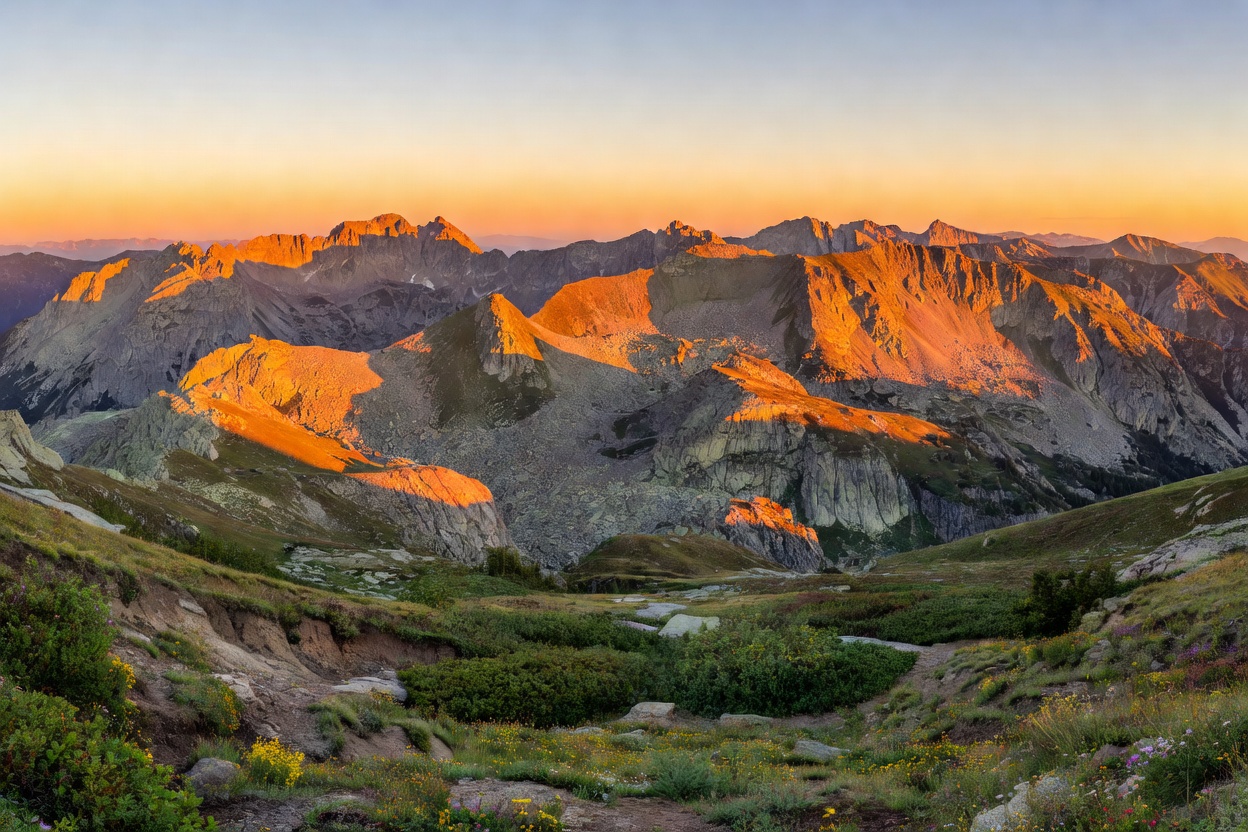
Illustrative sample Stock photograph, not known to be synthetic or manipulated. Markers are teaching prompts.
Each numbered marker represents a different kind of evidence about a possibly AI-generated image. Notice how often the honest label is observed signal or inconclusive — and how a verified source usually comes from context, not pixels.
Visual clues and their traps
View images at full resolution and zoom into detail. Log what you see as observations, then test each one against the original file, the source and independent evidence.
Remember: a visual oddity justifies further checks — never an accusation. Real photographers and artists have been wrongly labelled as AI users based on hunches and single detector scores.
Recommended workflow
Context and provenance checks resolve most cases. Run detectors near the end, on the best copy you can find, and record exactly what you tested.
From the catalog
Detectors, reverse search and provenance standards relevant to AI-generated images. Each profile lists documented capabilities, limitations and data-handling notes.
Methodology notes
Expand each note for the reasoning behind our cautious language on AI-image detection.
Most AI-image detectors are machine-learning classifiers trained on large sets of real and generated images. They learn statistical patterns — in pixels, frequency spectra or textures — associated with known generators. Their output is a model estimate of similarity to those training examples, not a measurement of truth. Detectors can struggle with generators released after they were trained, with fine-tuned models, and with images that have been compressed, resized or screenshotted.
Each vendor uses different training data, architectures, preprocessing and thresholds, so a "90%" from one tool is not comparable with a "90%" from another. Disagreement is common and is itself evidence that the automated signal is weak for that file. Record every result rather than choosing the one you prefer. See our field note on disagreement.
Many modern images are real photographs with AI-assisted edits: removed objects, extended backgrounds or replaced faces. Whole-image scores may not reflect a small edited region, and classic forensic views may highlight it only weakly. Content Credentials from compatible editors can declare such edits — when they survive.
Some generator providers embed invisible watermarks or attach provenance records to their output. These can be useful signals, but detection usually requires the provider's own tools, coverage is limited to that provider, and watermarks may be weakened by editing or re-encoding. A missing watermark does not show an image is authentic.
If an image may be used in legal proceedings, employment decisions, financial fraud reports or allegations against an identifiable person, stop at documentation and contact qualified forensic examiners, the relevant platform, or law enforcement where appropriate. This site offers general education only.