Face swap
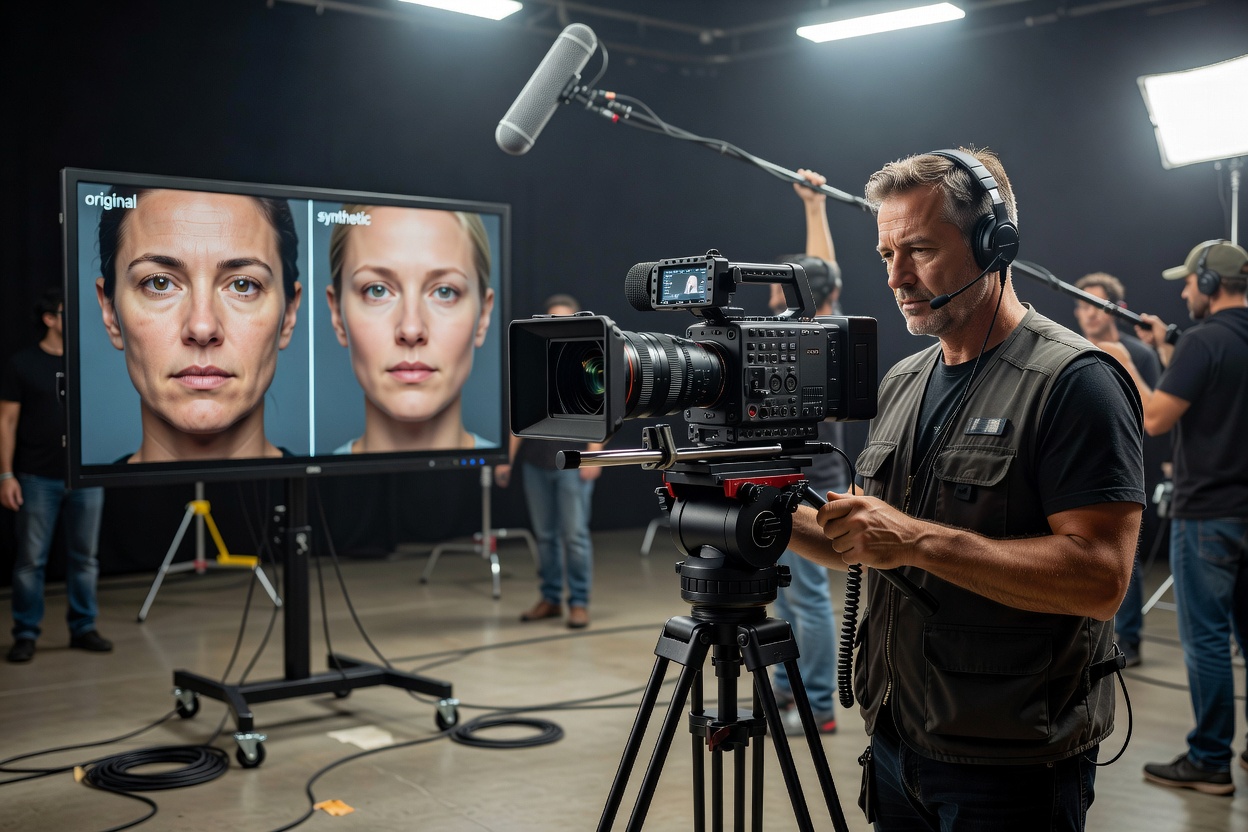
One person's face is mapped onto another's body. Look for blending boundaries at the hairline, jaw and ears, and for flicker when the head turns or a hand passes in front of the face.
Deepfake video & synthetic voice
Face swaps, lip-sync edits, cloned voices and simple "cheapfakes" all spread the same way: fast, compressed and stripped of context. This page shows how investigators slow down — keyframes, audio cues, source tracing — and where automated detectors help or fail.
Know what you are looking for
"Deepfake" covers very different techniques. Naming the suspected type helps you choose the right checks — and avoid assuming AI when a simple edit explains the evidence.
One person's face is mapped onto another's body. Look for blending boundaries at the hairline, jaw and ears, and for flicker when the head turns or a hand passes in front of the face.
A real face is animated to show expressions or head movements the person never made. Teeth, tongue and inner-mouth detail are often hardest for generators to render consistently.
New audio is paired with altered mouth movement. Compare plosive sounds (p, b, m) with closed lips — but remember that streaming latency also causes sync drift.
Text-to-video models create entire scenes. Physics, object permanence, readable text and consistent background detail across shots are useful areas to examine.
A synthetic voice imitates a real speaker from sample recordings. Voice similarity is not identity: a clip sounding like someone never proves who spoke.
Real footage that is slowed, cut, re-captioned or re-dated. Often more common than AI fakes — and reverse keyframe search usually resolves them fastest.
Interactive demonstration
Six sample "frames" and a decorative waveform show how an investigator logs observations over time. No video is analysed here; every note is a teaching prompt.
 SAMPLE · 00:00
Illustrative sample A still stock photograph panned across six positions; the waveform is generated, not recorded.
Signals and their traps
Every visual or audio clue has an innocent explanation. Record clues as observations, then test them against the original file and independent sources.
Why these mislead: compression, noise reduction, beauty filters, low light, frame-rate conversion, livestream latency, hearing or speech conditions, accents and cheap microphones all generate the same "artifacts". Generators also improve constantly, so yesterday's tell-tale signs disappear. Clues justify further checks — never an accusation.
Recommended workflow
Context checks resolve most viral videos long before any detector is needed. Run detectors last, and treat their output as one signal among many.
From the catalog
Real tools and services relevant to video and voice. Each profile lists documented capabilities, limitations and data-handling notes.
Methodology notes
Expand each note for the reasoning behind our cautious language.
Most detectors are machine-learning classifiers trained on examples of real and manipulated media. They learn statistical patterns — in pixels, frequencies, facial motion or audio spectra — associated with their training examples. Output is a model estimate of similarity to those examples, not a measurement of truth. A detector trained mainly on face swaps may perform poorly on fully generated video or new generators it has never seen.
Every platform re-encodes video, discarding fine detail. Screen recordings, crops and repeated re-uploads remove the very traces detectors rely on and can add artifacts of their own. Always try to obtain the earliest, least-processed version, and note the version you tested.
A recording that sounds like a person does not prove that person spoke, and a recording that sounds "off" does not prove cloning. Provider-specific classifiers only recognise output from their own models. Speaker-identification conclusions with evidentiary weight require qualified forensic audio analysis and chain-of-custody procedures.
If a clip may be used in legal proceedings, employment decisions, financial fraud reports or allegations against an identifiable person, stop at documentation and contact qualified forensic examiners, the relevant platform, or law enforcement where appropriate. This site offers general education only.